
Your team's memory, inside Microsoft 365.
A modern wiki to capture, share, ask & automate in an AI world.
A business that doesn't forget.
Capture
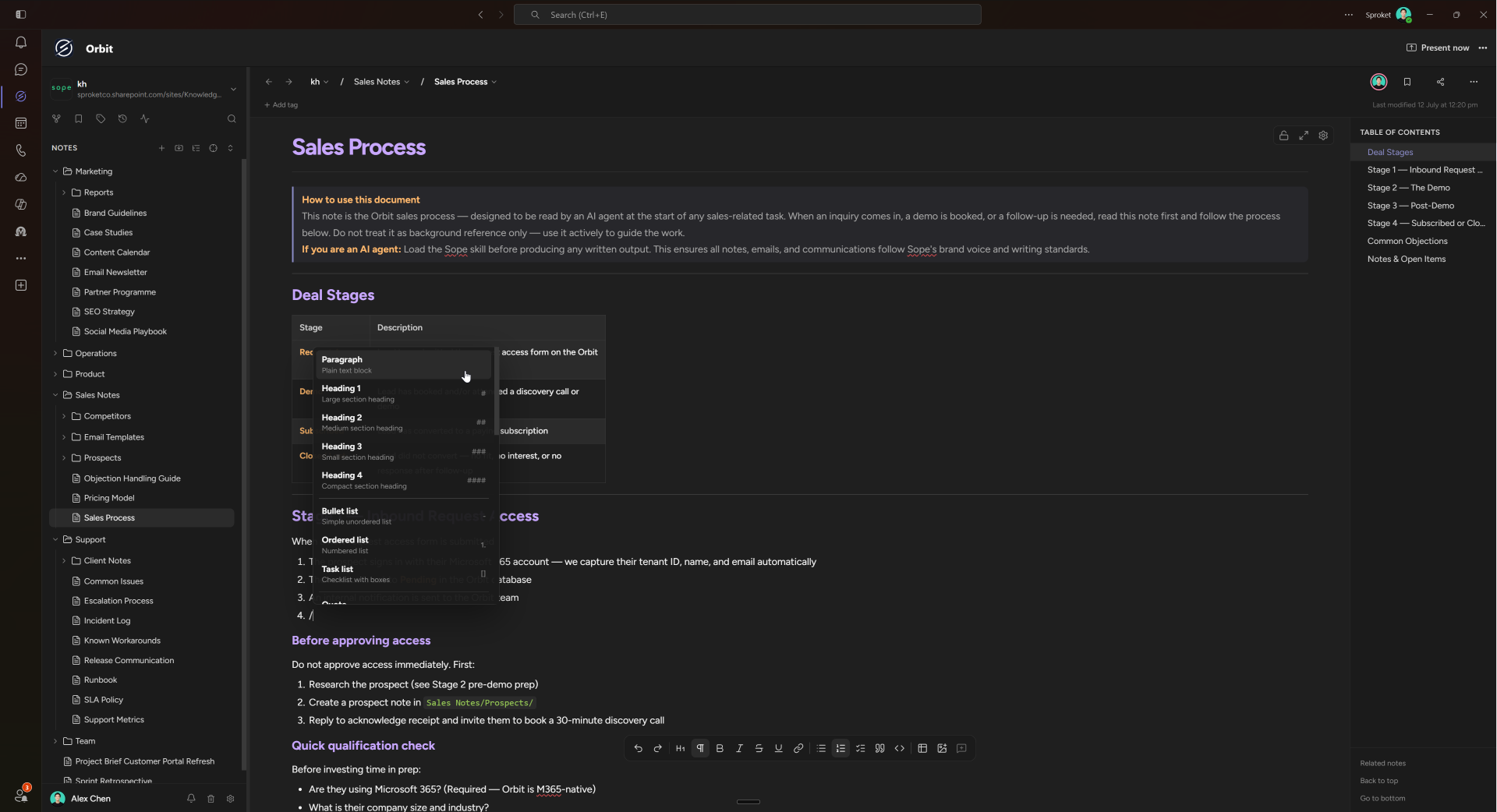
Save the good parts.
You just got a great answer out of Copilot or Claude. One step and it's an Orbit note your whole team can find.
Find answers
Just ask Orbit.
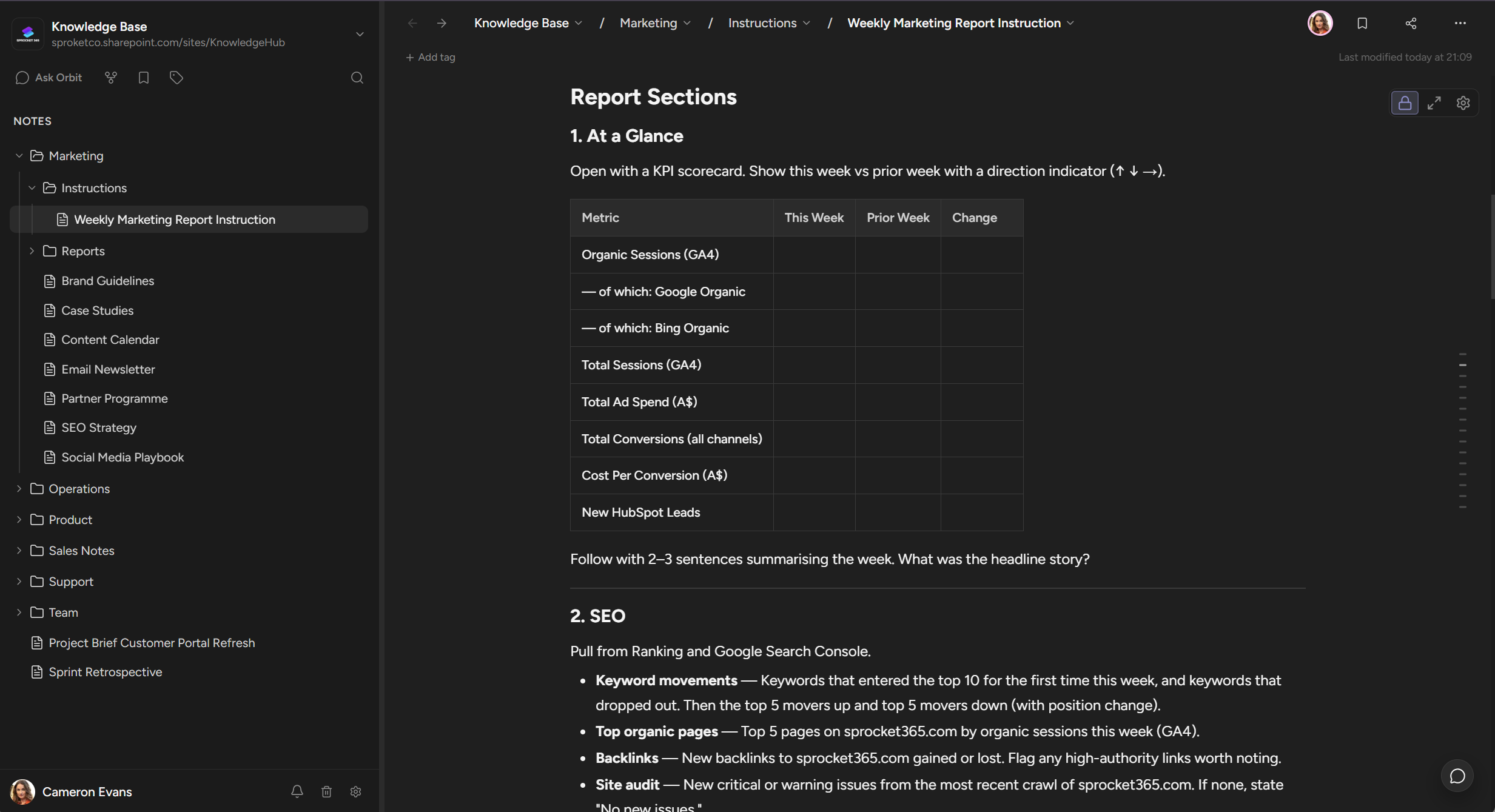
Was it in a meeting note? A runbook? Someone's handover doc? Ask Orbit answers in seconds and cites the note it came from. Nobody re-explains anything twice.
Automate
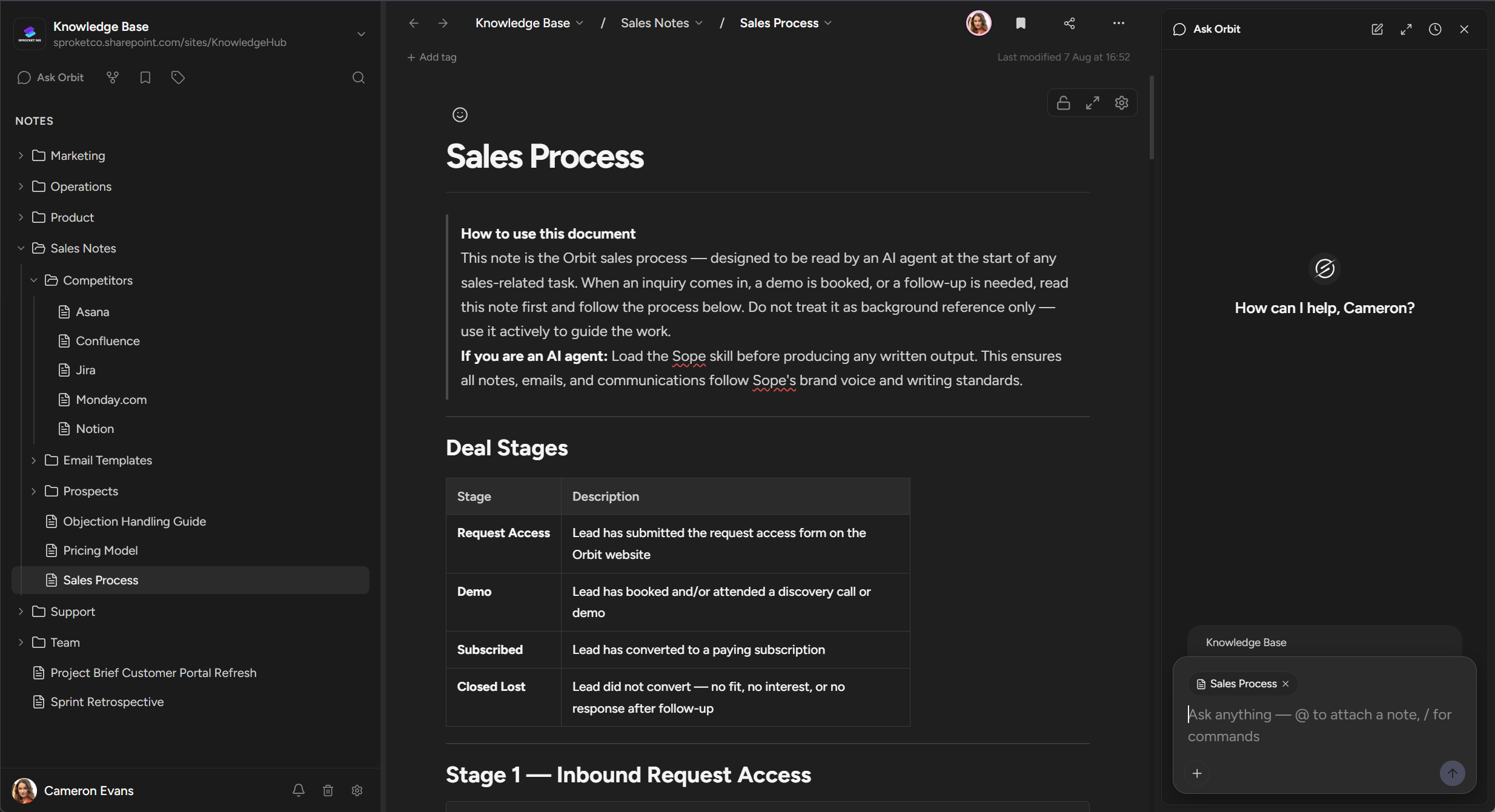
Teach it once. It runs every Monday.
Store an instruction in Orbit and your agent runs it: pipeline reports, ticket first-responses, meeting notes filed. Every run saves back into Orbit, so the history compounds.
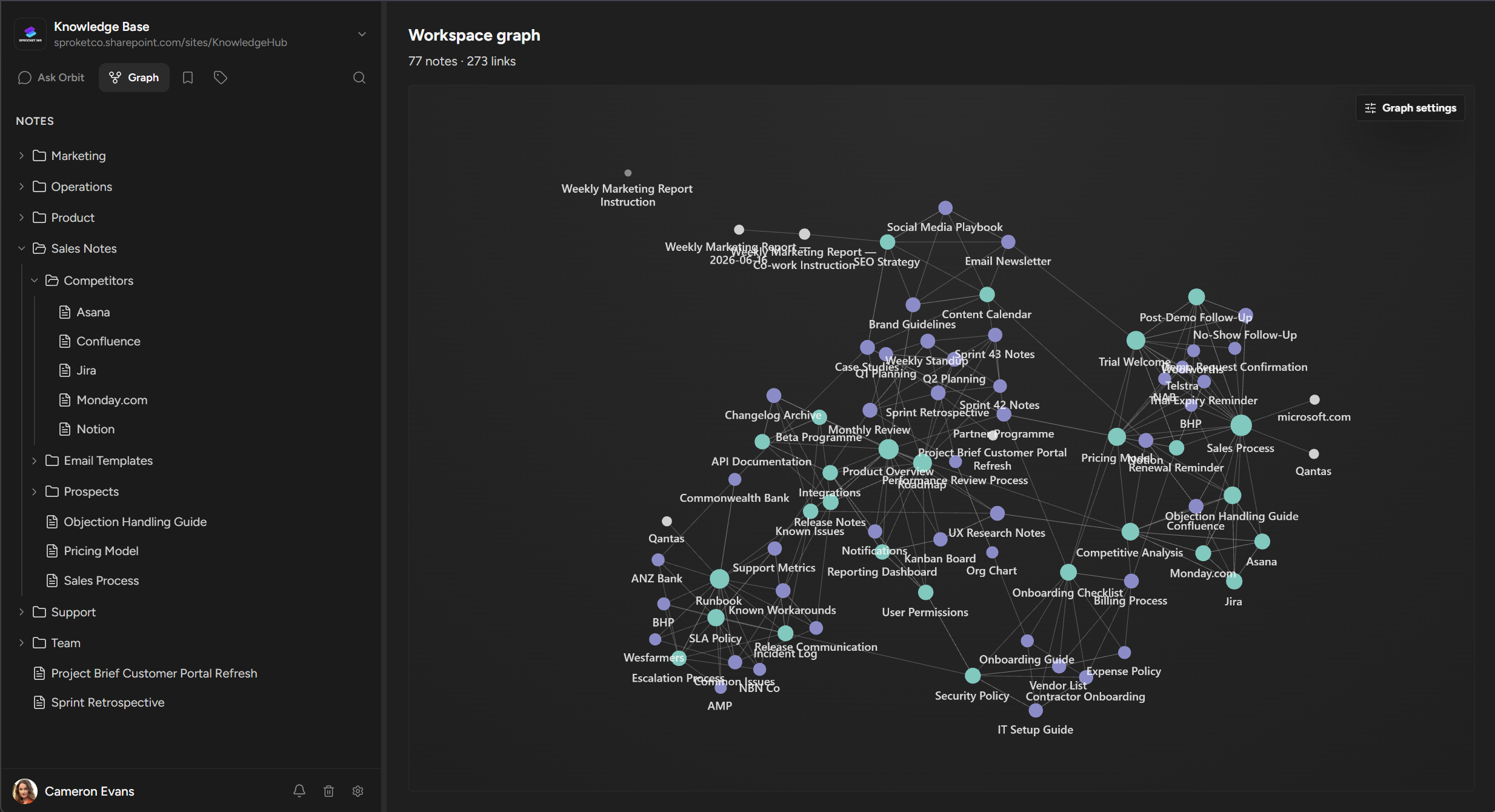
See what Orbit can do
Security
Your documents never leave your organisation
Orbit authenticates with your Microsoft accounts and writes every note directly to the SharePoint sites and OneDrive folders you designate. Existing permissions, policies, and compliance tooling continue to apply.
- Lives in your Microsoft 365 tenant, no IT approval needed to start
- Single sign-on with your existing Microsoft accounts
- Documents stored in your OneDrive and SharePoint
- No content stored on Orbit servers
 Lives in your Microsoft 365 tenant, no IT approval needed to start
Questions
Frequently asked questions
Is Orbit really free?
The first 10 seats are free on every tenant, with no payment details needed to start. Beyond 10 users, Orbit is $10/user/month billed yearly, or $15/user/month billed monthly.
Do we need an admin to add Orbit to Teams?
Not to get started. Go to orbit.sprocket365.com, sign in with your Microsoft account, and your workspace is ready in the browser. Adding the Teams app needs permission to install apps in your tenant, so if your organisation restricts that, start in the browser and add the Teams app whenever you are ready.
Where is our content stored?
Every note is a plain markdown file written directly to the SharePoint sites and OneDrive folders your organisation designates. Nothing is copied to a separate platform, and your existing permissions, policies and compliance tooling continue to apply.
What happens if we stop using Orbit?
Your content stays exactly where it always was: standard markdown files in your own OneDrive and SharePoint. There is no export step and no lock-in. You can keep reading and editing the files with any tool you like.
Who can read our notes?
Access follows the Microsoft 365 permissions on the underlying SharePoint site or OneDrive folder. If someone cannot open the file in SharePoint, they cannot open it in Orbit. Your IT team stays in control.
How do AI assistants connect?
Through MCP. Copilot, Claude, or Codex connect to your workspace and search, read, and update notes with the same permissions and version history as any team member. Every change an assistant makes is tracked, just like a human edit.
Still weighing up the options? See how Orbit compares with Perfect Wiki, Confluence, Notion and five others in our guide to the best wiki for Microsoft Teams.
Start your team's memory today.
Sign in and start in your browser, or add the Teams app. Ten seats are granted automatically, no credit card and no request form.