Blog
Updates, guides & insights
Product releases, how-to guides, and thoughts from the Sprocket 365 team.

Version 7.1: Employee Recognition, Favourites, Onboarding and More
Sprocket 7.1 lands three new web parts — Employee Recognition, Page History, and Onboarding — plus a Favourites system, major Read List upgrades, a revamped Accordion, and one-click upgrades.
Version 7: SharePoint Template Gallery, Site Pages Folder Structure and Enhancements Galore
Sprocket 365 Version 7 arrives with a headline Template Gallery that provisions full site structures in 90 seconds, plus a collapsible nav panel, Calendar redesign, and more.
Version 6.7: AI Summaries, Search, Custom CSS & More
Version 6.7 introduces an AI Summary web part (no Copilot licence needed), smarter Knowledge Hub search, per-web-part Custom CSS, and an onboarding tour for new users.
Version 6.6: Enhanced UX, Settings, Compliance Reporting, Page Formatting, People Hub & Fluent UI 9 SPFx
One of our most significant updates — redesigned settings panel, Read Lists site report, Fluent UI v9 across all web parts, dark theme support, and major performance boosts.
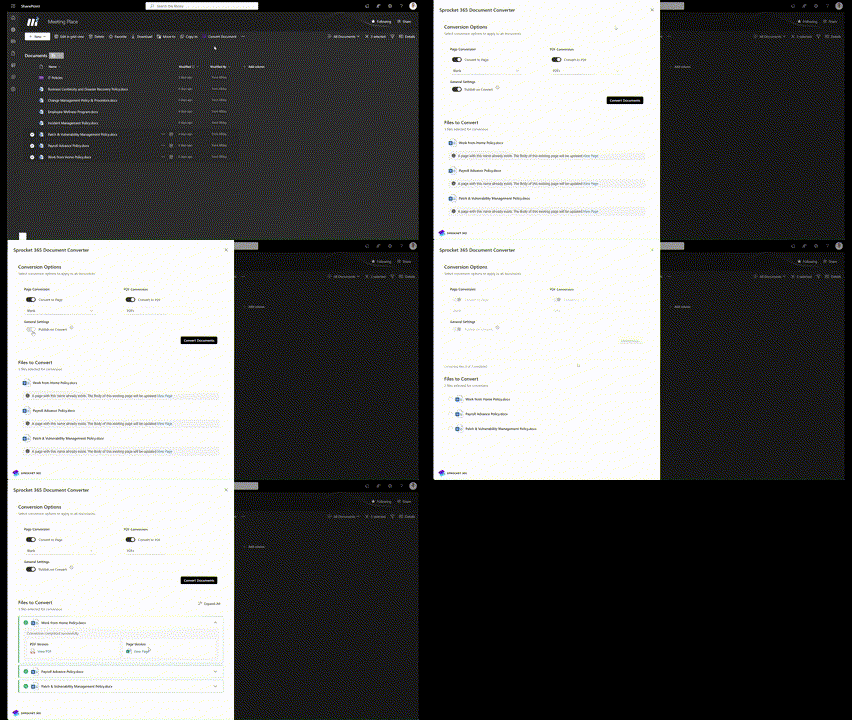
Version 6.5: Smarter Conversions, Faster People Hub & New MS Calendar Connections
Version 6.5 delivers bulk document conversion, up to 5× faster People Hub load times for large organisations, and Microsoft Teams group calendar integration.
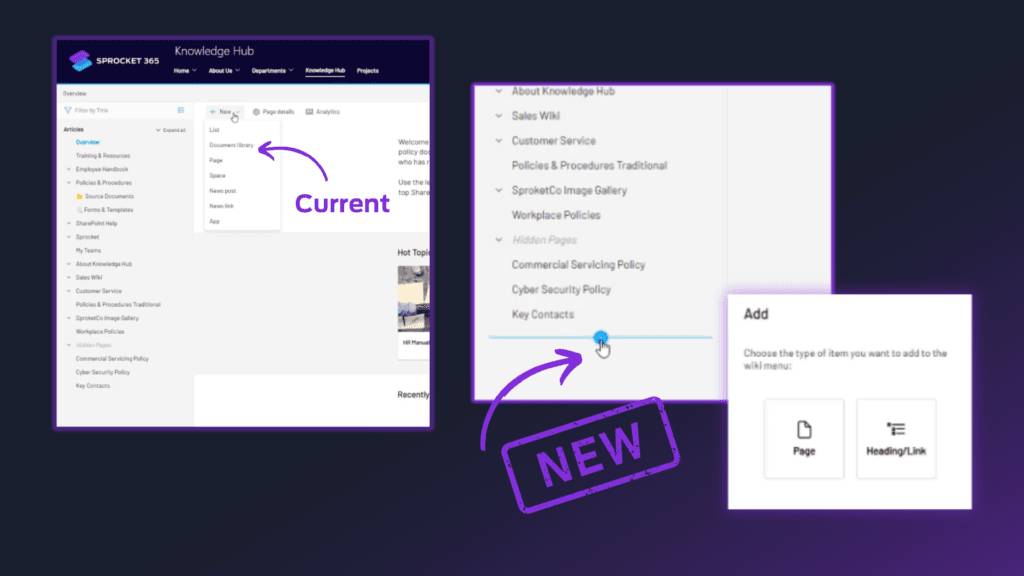
Version 6.4: Knowledge Hub, People Hub & List Enhancements
Create pages directly from the wiki menu, hide draft tree nodes, add images to lists, and enjoy a much faster Read List admin centre.
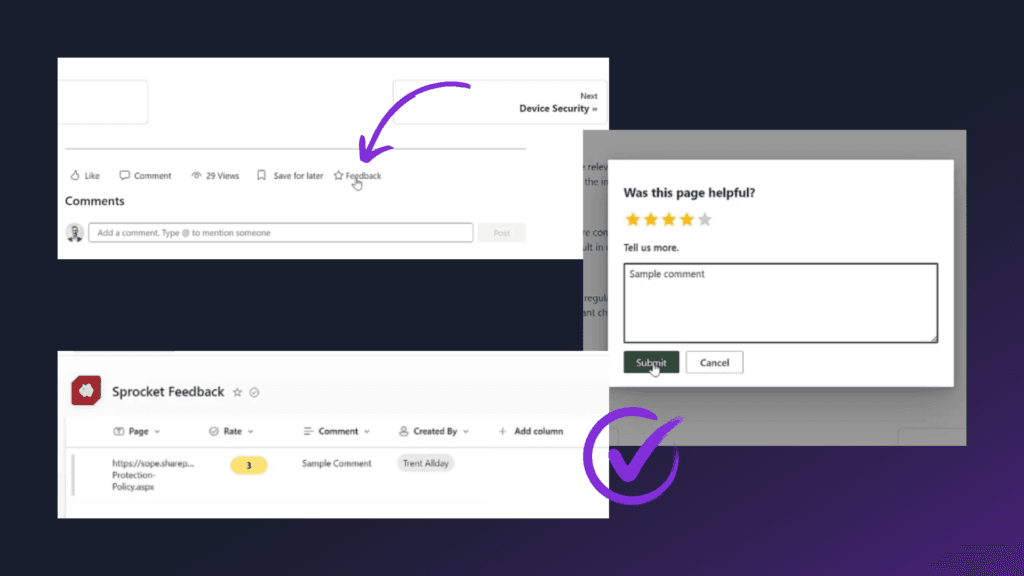
Version 6.3: Feedback, Tree & Search Enhancements
Version 6.3 adds page-level feedback collection, drag-and-drop tree node management, hidden draft nodes, and faster typeahead search.
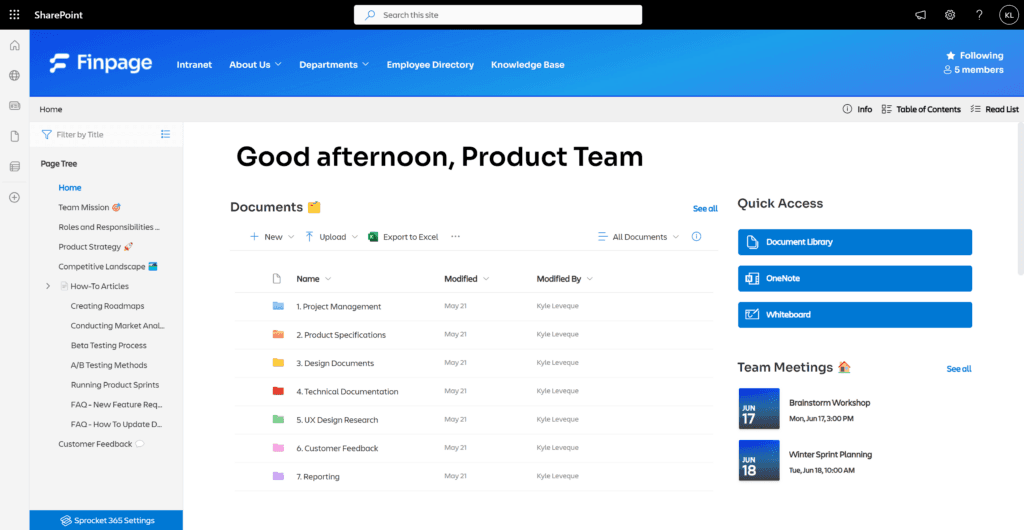
Introducing Version 6.2: Page Tree Wiki Available in Team Sites
The Page Tree wiki now works in private Team Sites, reading list reminders get timezone support, and a new breadcrumb colour picker rounds out version 6.2.