Blog
Updates, guides & insights
Product releases, how-to guides, and thoughts from the Sprocket 365 team.

How to Add a BPMN Process Diagram to SharePoint
Document your business processes where your team already works. A step-by-step guide to adding a BPMN process diagram to a SharePoint page with the Process web part.
SharePoint Site Templates in 90 Seconds: The Template Gallery
Skip the blank canvas. The Sprocket Template Gallery applies professionally designed SharePoint sites — pages, navigation, and web parts — to your tenant in minutes.
SharePoint vs Sprocket 365: What's Missing Out of the Box
SharePoint is a great foundation, but the gaps appear fast. A breakdown of where SharePoint falls short for knowledge bases and intranets — and how Sprocket 365 fills them.

How to Add Site-Wide Alerts & Banners in SharePoint
Put urgent messages where people can't miss them. How to use Sprocket's page-level Alerts web part and the site-wide Alerts feature for scheduled, dismissible banners.

How to Create a Knowledge Base in SharePoint (with Read Tracking)
Turn your scattered documents into an authoritative, navigable knowledge base — with the Document Converter and Read Lists for compliance tracking.

Using the My Apps Web Part for a Personalised List of Apps
Give your team a personalised launchpad on the intranet. How to set up, style, and manage the Sprocket My Apps web part — including mandatory apps for everyone.

Version 7.1: Employee Recognition, Favourites, Onboarding and More
Sprocket 7.1 lands three new web parts — Employee Recognition, Page History, and Onboarding — plus a Favourites system, major Read List upgrades, a revamped Accordion, and one-click upgrades.
Version 7: SharePoint Template Gallery, Site Pages Folder Structure and Enhancements Galore
Sprocket 365 Version 7 arrives with a headline Template Gallery that provisions full site structures in 90 seconds, plus a collapsible nav panel, Calendar redesign, and more.

Version 6.7: AI Summaries, Search, Custom CSS & More
Version 6.7 introduces an AI Summary web part (no Copilot licence needed), smarter Knowledge Hub search, per-web-part Custom CSS, and an onboarding tour for new users.
Version 6.6: Enhanced UX, Settings, Compliance Reporting, Page Formatting, People Hub & Fluent UI 9 SPFx
One of our most significant updates — redesigned settings panel, Read Lists site report, Fluent UI v9 across all web parts, dark theme support, and major performance boosts.
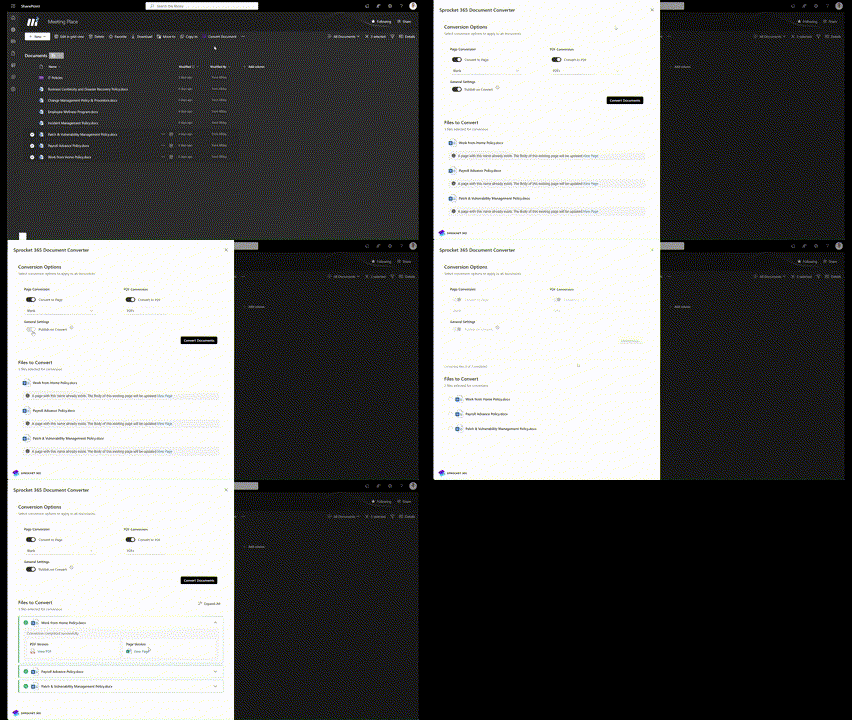
Version 6.5: Smarter Conversions, Faster People Hub & New MS Calendar Connections
Version 6.5 delivers bulk document conversion, up to 5× faster People Hub load times for large organisations, and Microsoft Teams group calendar integration.

Sprocket Wrapped: Top SharePoint Web Parts 2024
We reflect on a big year — the most-used web parts of 2024, community highlights, and what's coming in 2025.
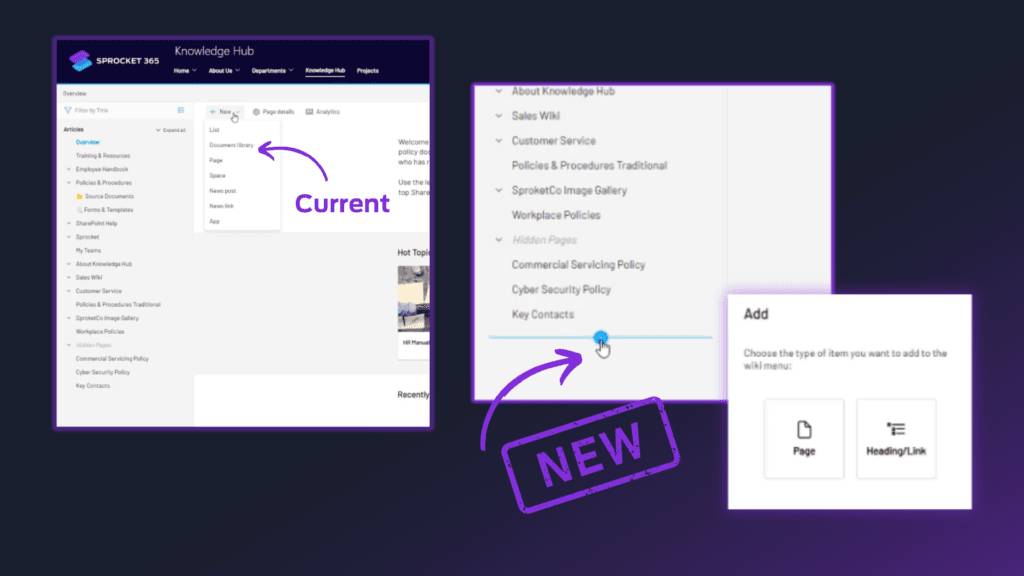
Version 6.4: Knowledge Hub, People Hub & List Enhancements
Create pages directly from the wiki menu, hide draft tree nodes, add images to lists, and enjoy a much faster Read List admin centre.
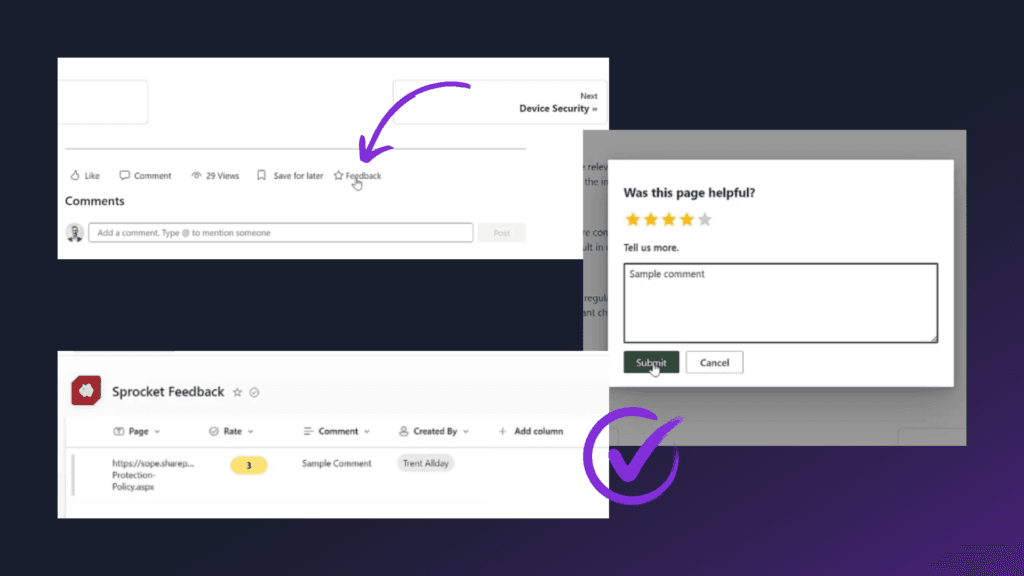
Version 6.3: Feedback, Tree & Search Enhancements
Version 6.3 adds page-level feedback collection, drag-and-drop tree node management, hidden draft nodes, and faster typeahead search.
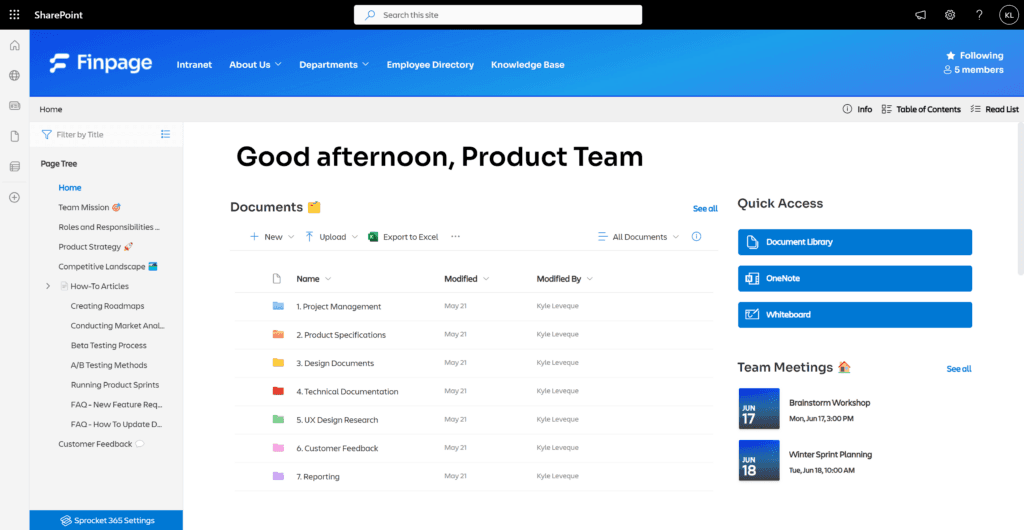
Introducing Version 6.2: Page Tree Wiki Available in Team Sites
The Page Tree wiki now works in private Team Sites, reading list reminders get timezone support, and a new breadcrumb colour picker rounds out version 6.2.
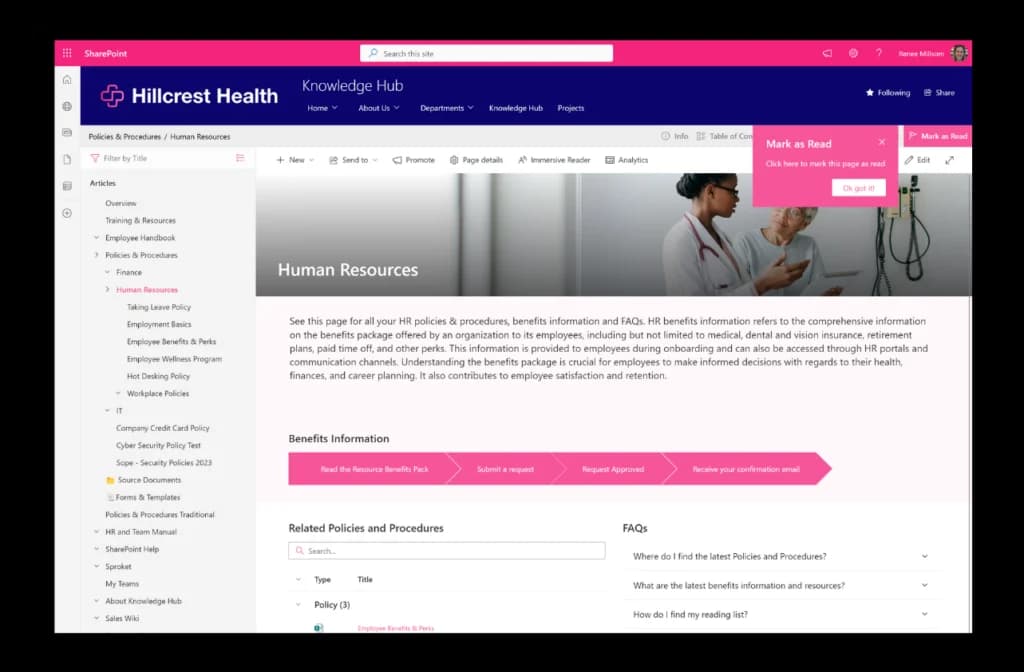
Create a SharePoint Wiki: A Guide with Real Site Examples
Everything you need to know about building a modern SharePoint wiki — what it is, why teams use it, and how to set one up in minutes with Sprocket 365.
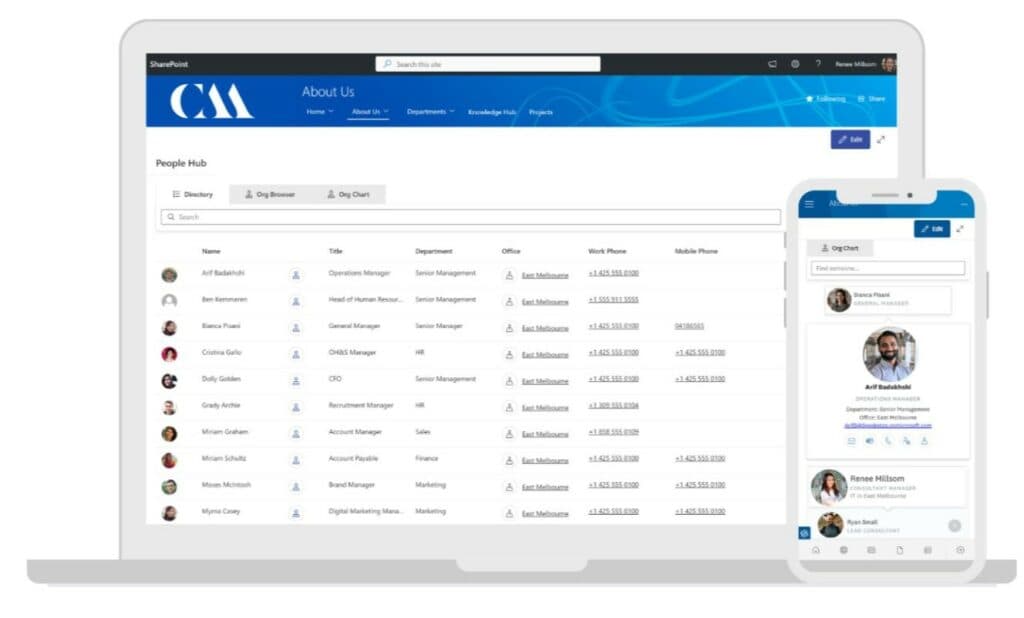
How to Create an Employee Directory in SharePoint Online (with Examples)
A step-by-step guide to building a searchable, filterable employee directory inside SharePoint Online using Sprocket 365's People Hub web part.

How to Create a Collapsible FAQ Accordion in SharePoint Online
A step-by-step guide to building a collapsible FAQ accordion in SharePoint Online using the Accordion web part by Sprocket 365 — no custom code required.
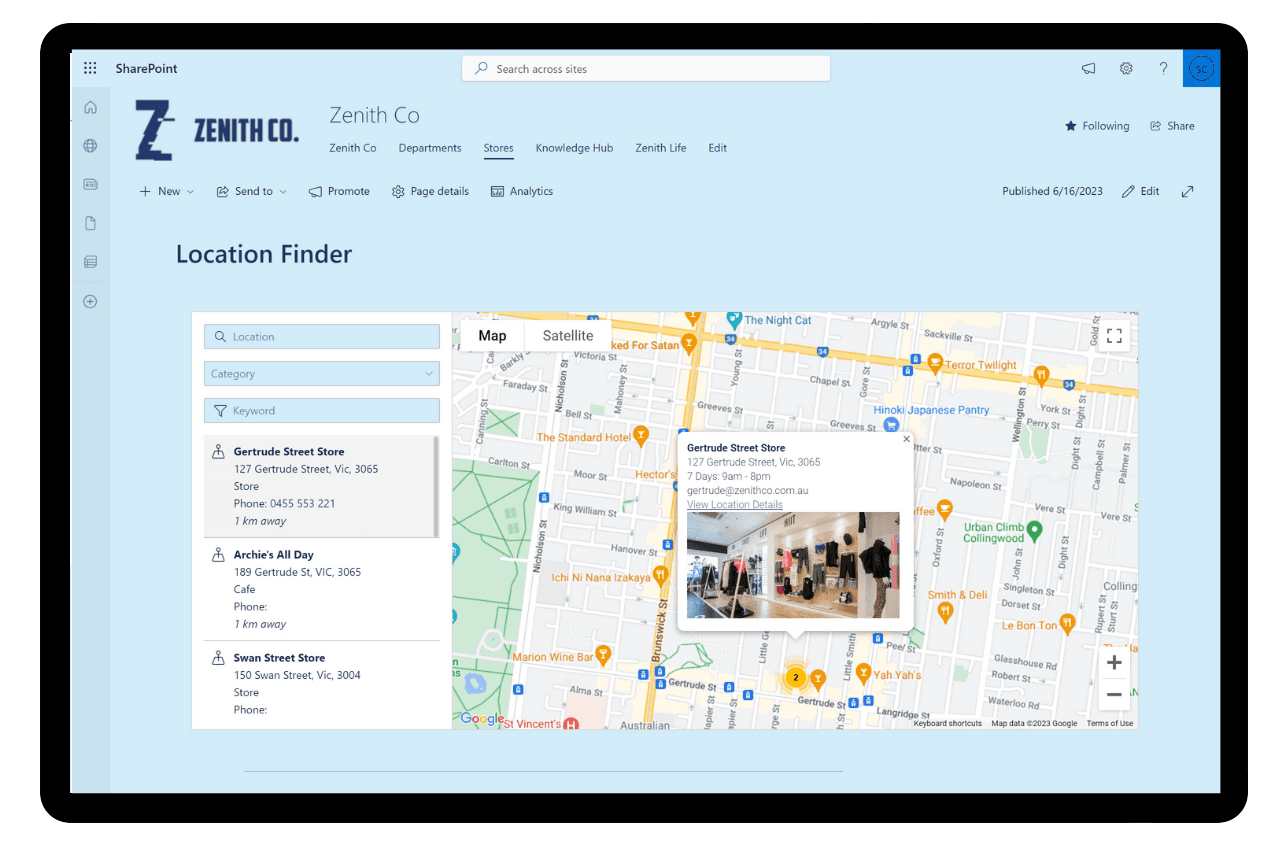
How to Create a Modern Interactive Map for SharePoint Online
Turn SharePoint into a dynamic, clickable location finder. Learn how interactive maps work and how to build one with the Location Finder web part by Sprocket 365.

The Complete Guide To Using Sprocket 365 in SharePoint
Everything you need to know about Sprocket 365 in SharePoint — the Web Parts, key features, pricing, installation, and how to get started.